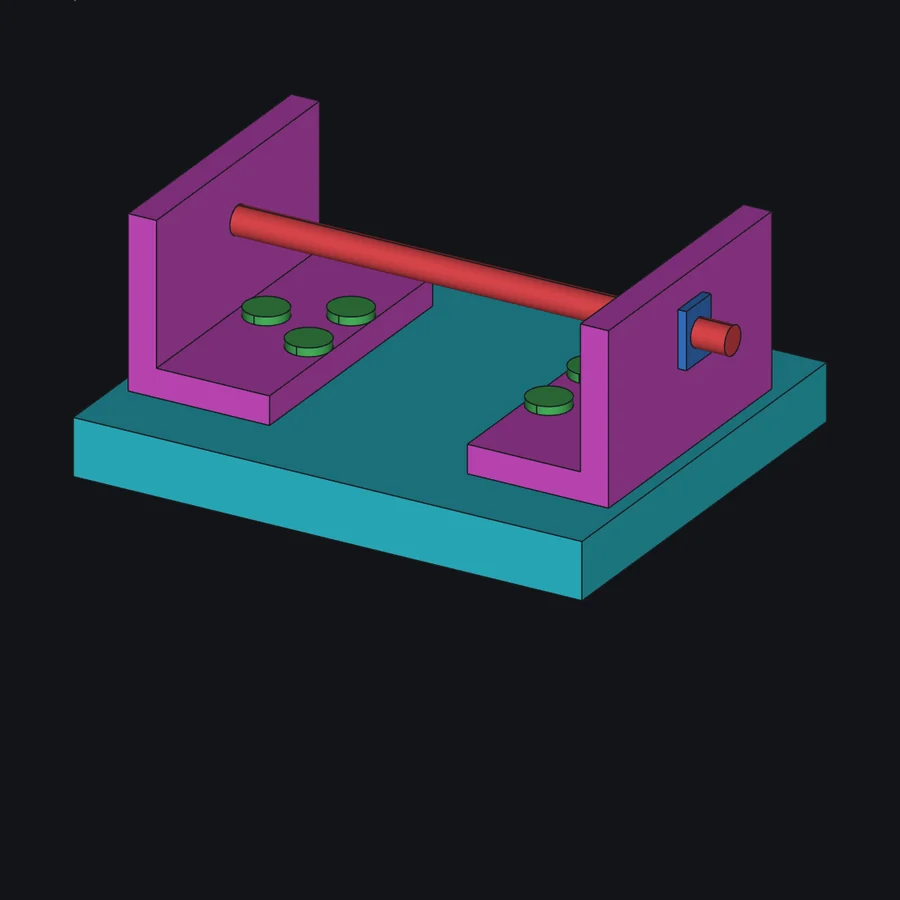
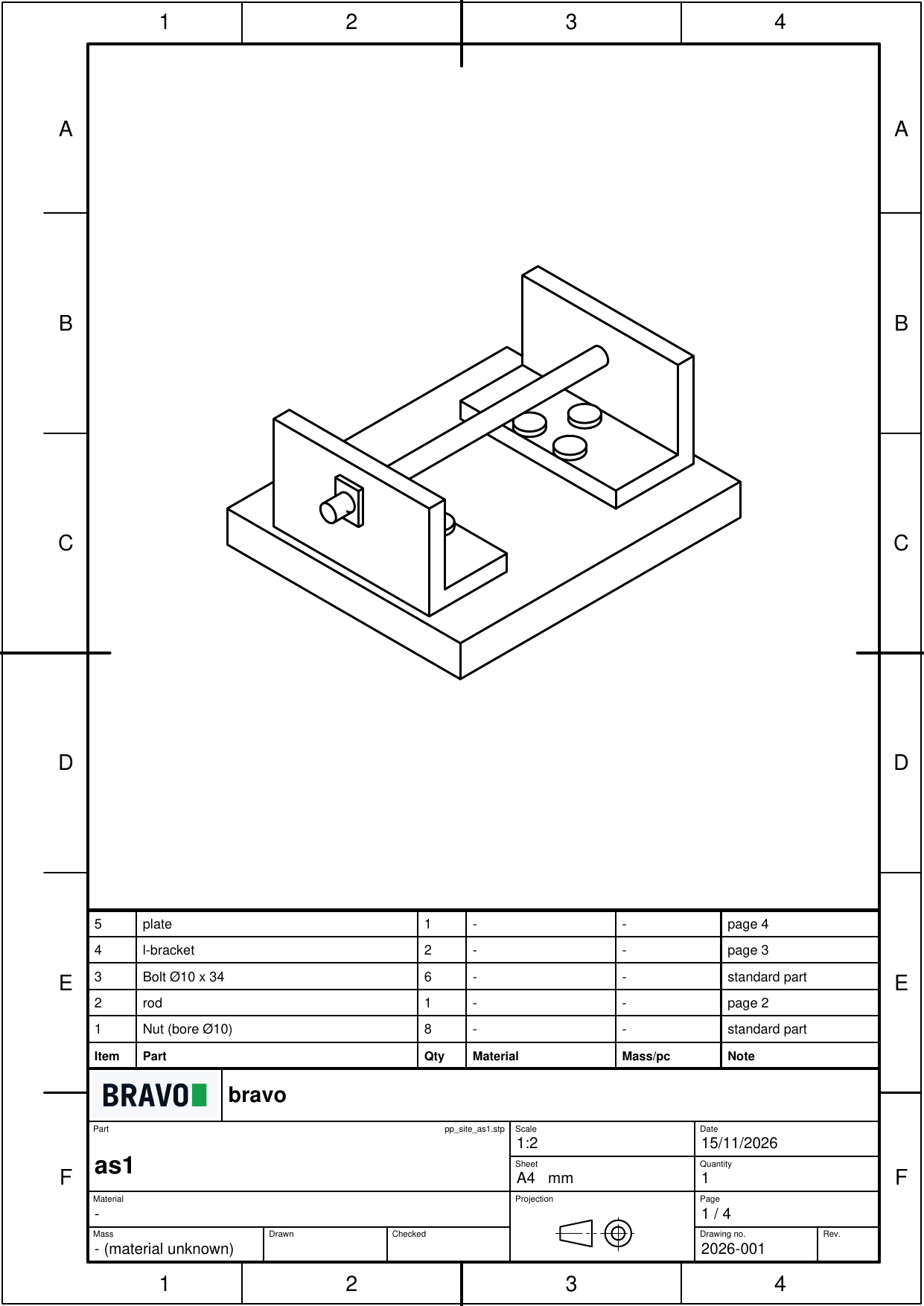
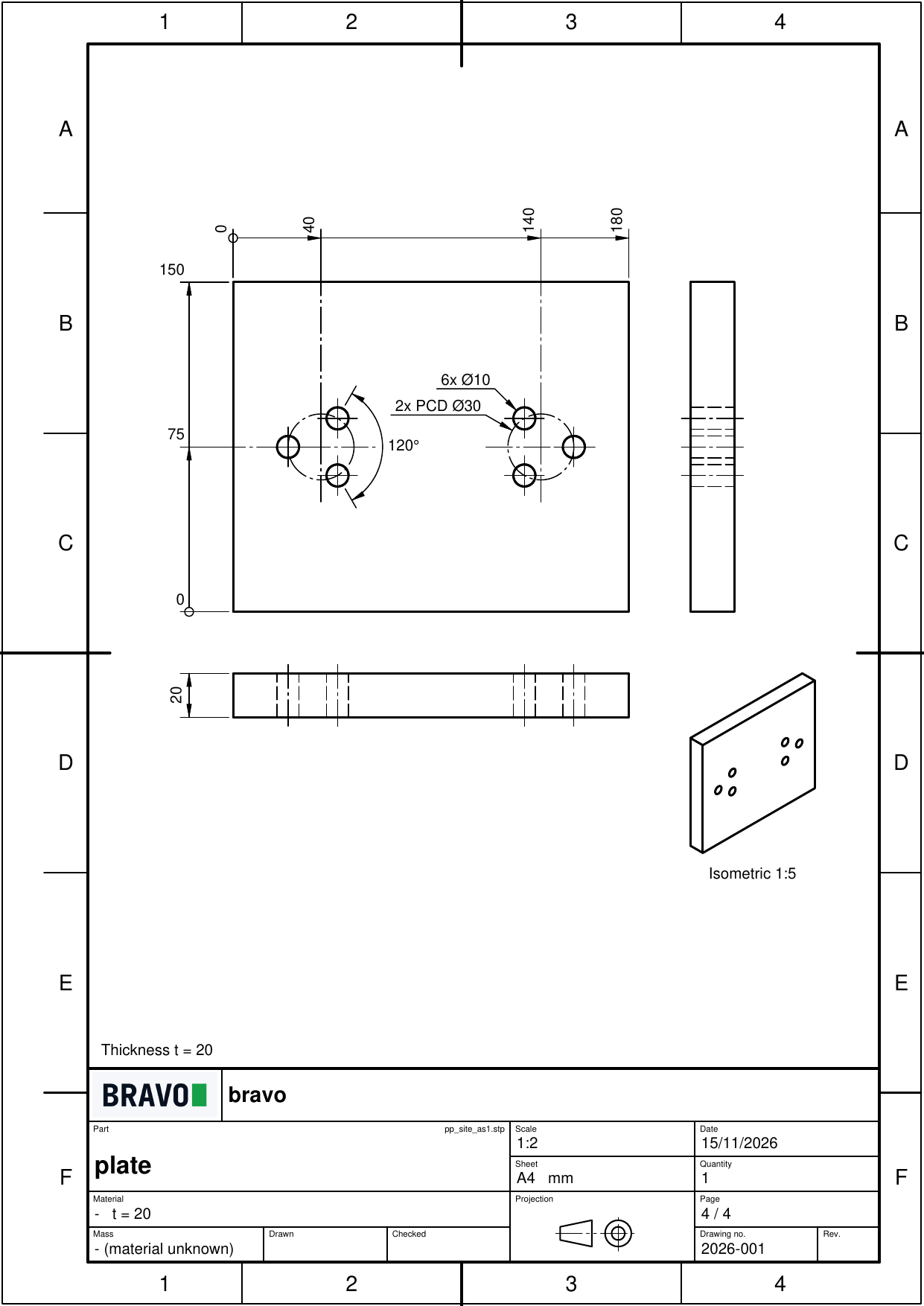
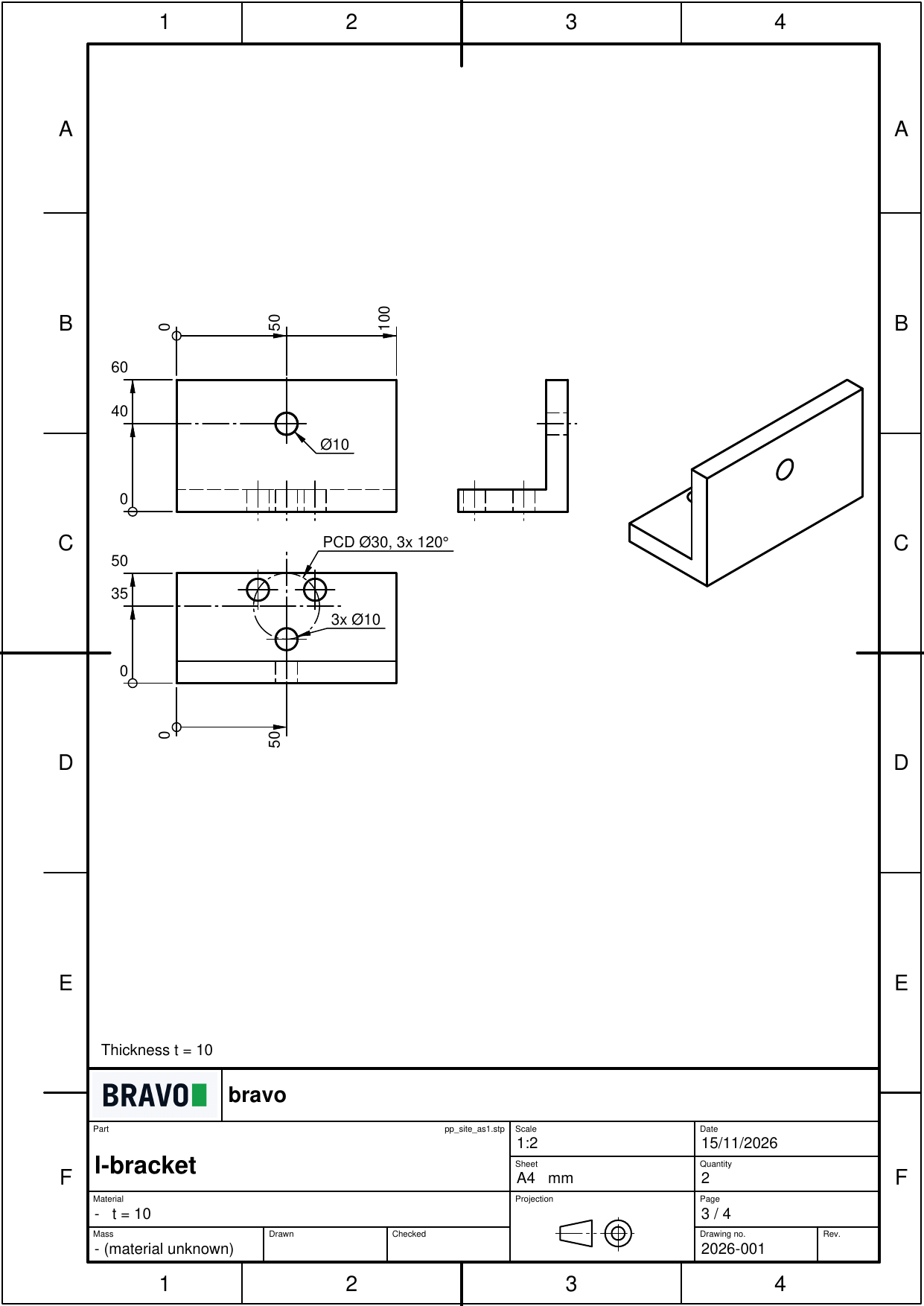
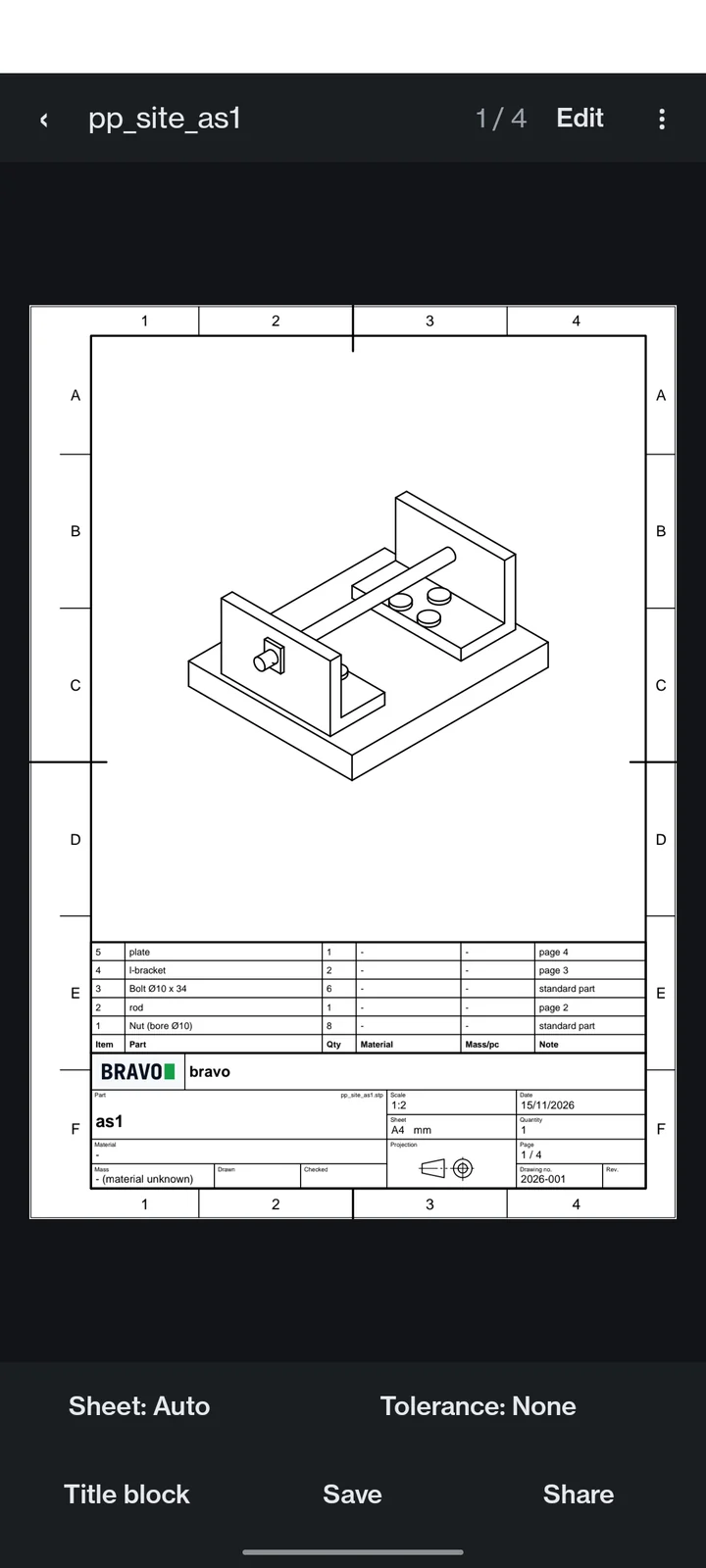
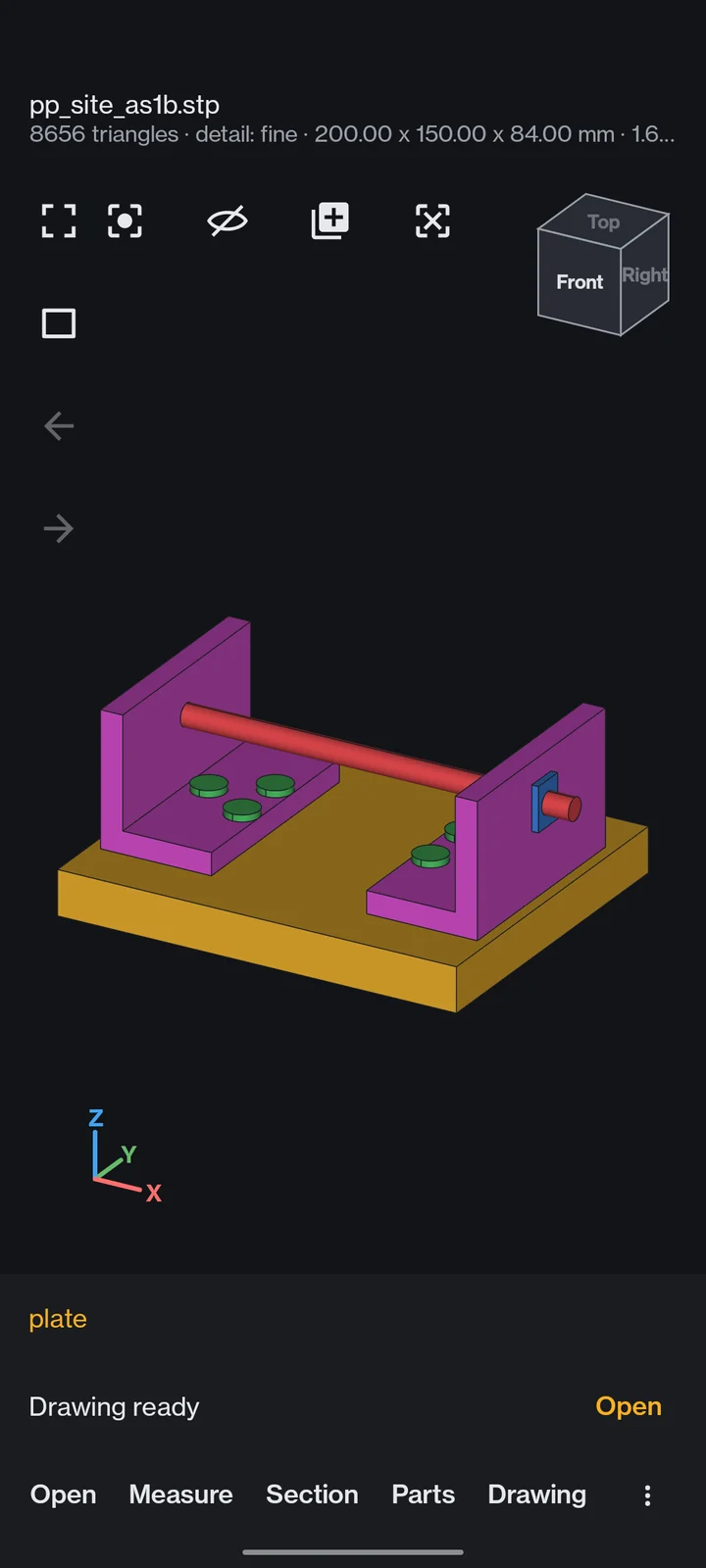
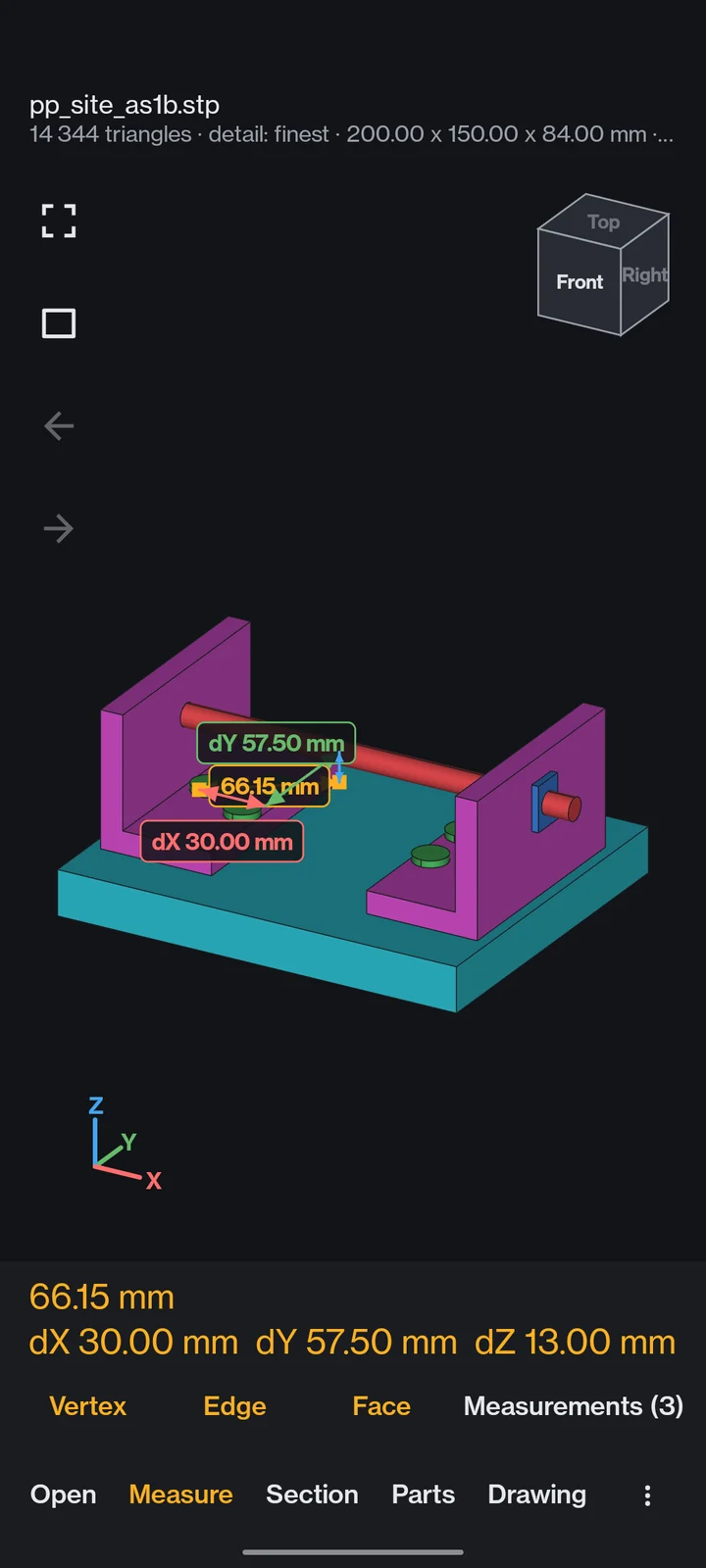
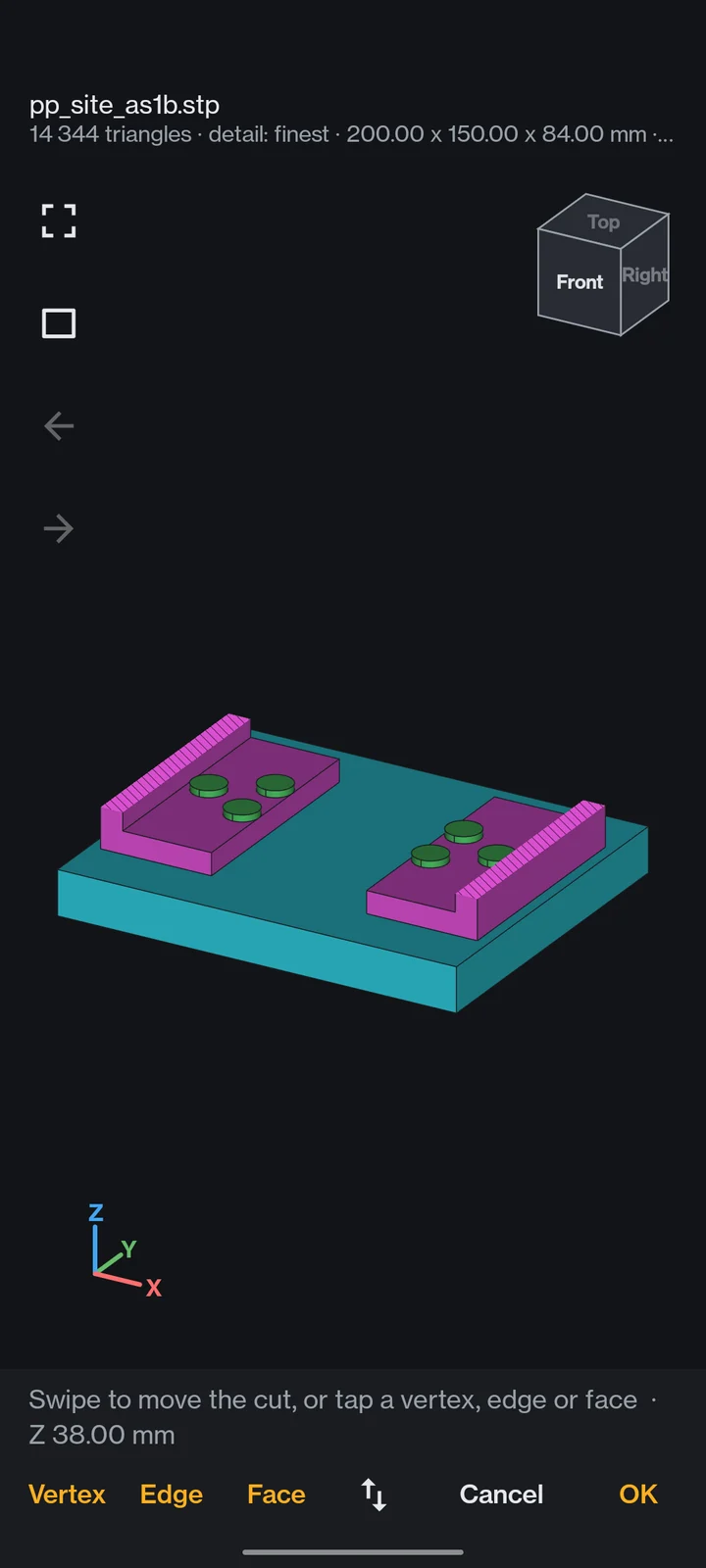
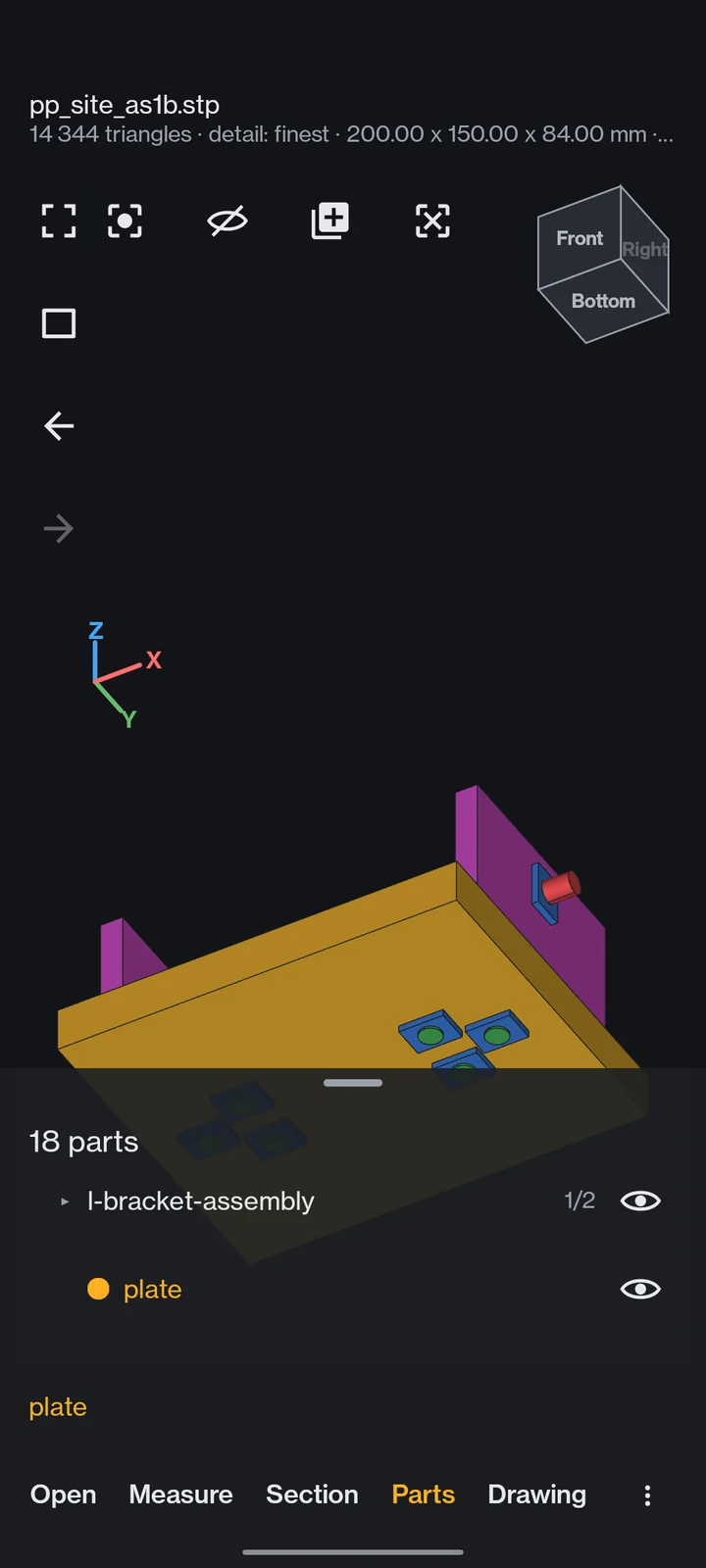
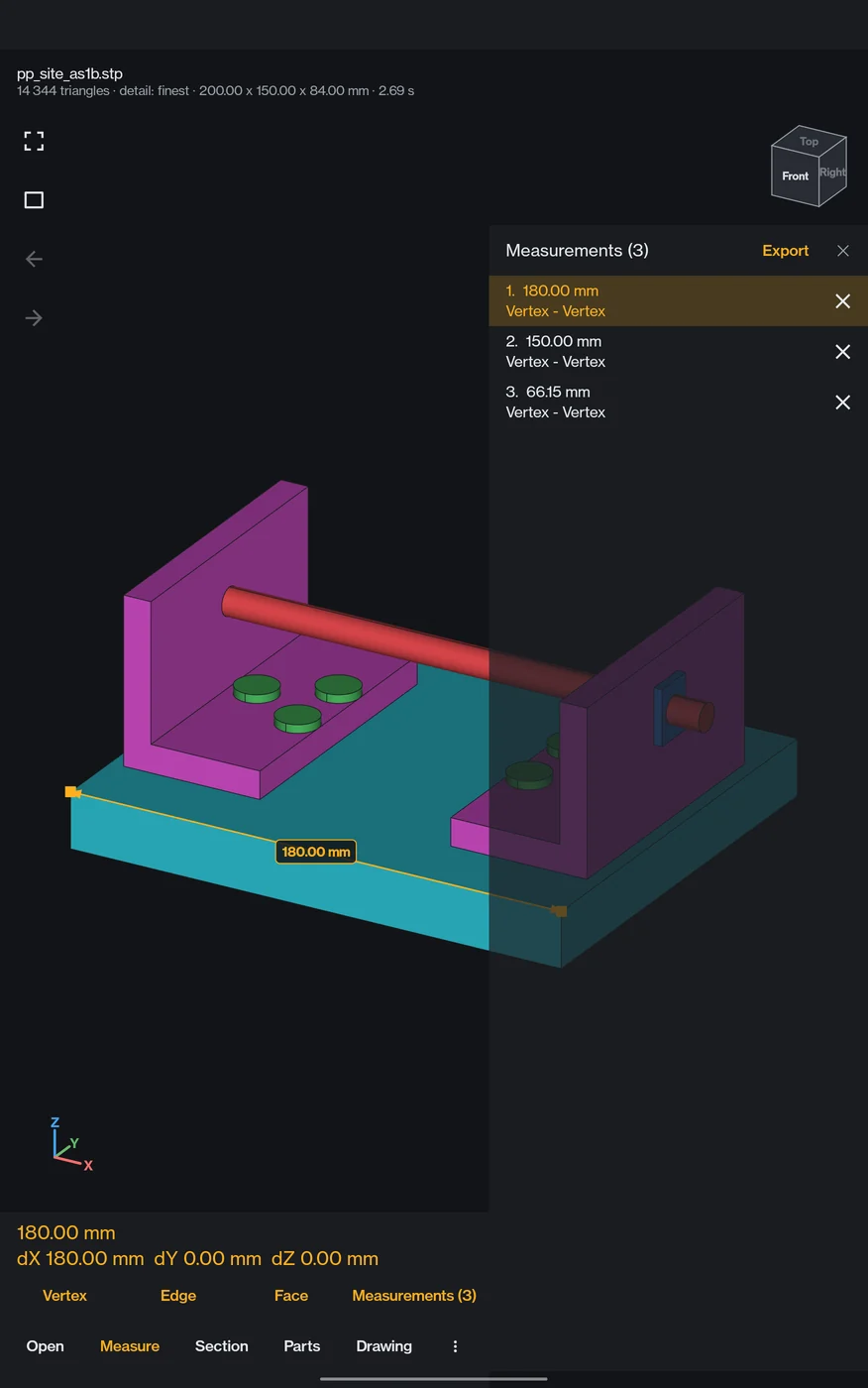
Tap Drawing. PartPeek reads the geometry, picks the views, places the dimensions and the holes, fills the title block and writes a PDF. The four sheets on this page came out of a phone, unedited.
- 01
Views that make sense
Front, top and side in first-angle projection, plus an isometric. Thin parts get their thickness as a note, turned parts their diameters.
- 02
Holes, counted
Hole diameters with their count, pitch circles, angles and positions from a zero edge.
- 03
Assemblies too
An assembly sheet with balloons and a bill of materials, then one sheet per part. Pick parts, sub-assemblies and weldments in the drawing set.
- 04
PDF, and DXF for your CAD Pro
Save or share the PDF. With Pro the sheets carry your own title block instead of the watermark, and you can export DXF, move or hide a dimension, add a measured one, or put weld symbols on a weld sheet.
Four sheets, under three seconds, on a mid-range phone.Measured on the assembly on this page, a drawing set of four pages: layout and PDF took 2.9 s on a OnePlus Nord. Every sheet still says "Auto-generated, check before use"; Pro can turn that line off.